# Enable Safety Suite Manifest Update and Tabs
Configure the standard and custom tabs in your Vault to enable the Safety Suite manifest update.
## About the Feature
Support for standard tabs and objects by application in the Vault Safety Suite have been added in 22R2. Standard tabs have been added to the application manifest.
Vaults created in 22R2 or later include the necessary configuration by default, while Vaults originally deployed earlier than 22R2 must have the configuration upgrades described on this page to enable this feature.
## Configure Standard and Custom Tabs
Perform the following steps to remove all existing custom tabs and activate the new standard ones:
1. In the Admin area, go to **Configuration > Tabs**.
2. Select the **All Actions** menu beside the custom tabs to **Delete** them. If there are any standard sub-tabs nested under the custom ones, you must move these sub-tabs under the respective standard tab.
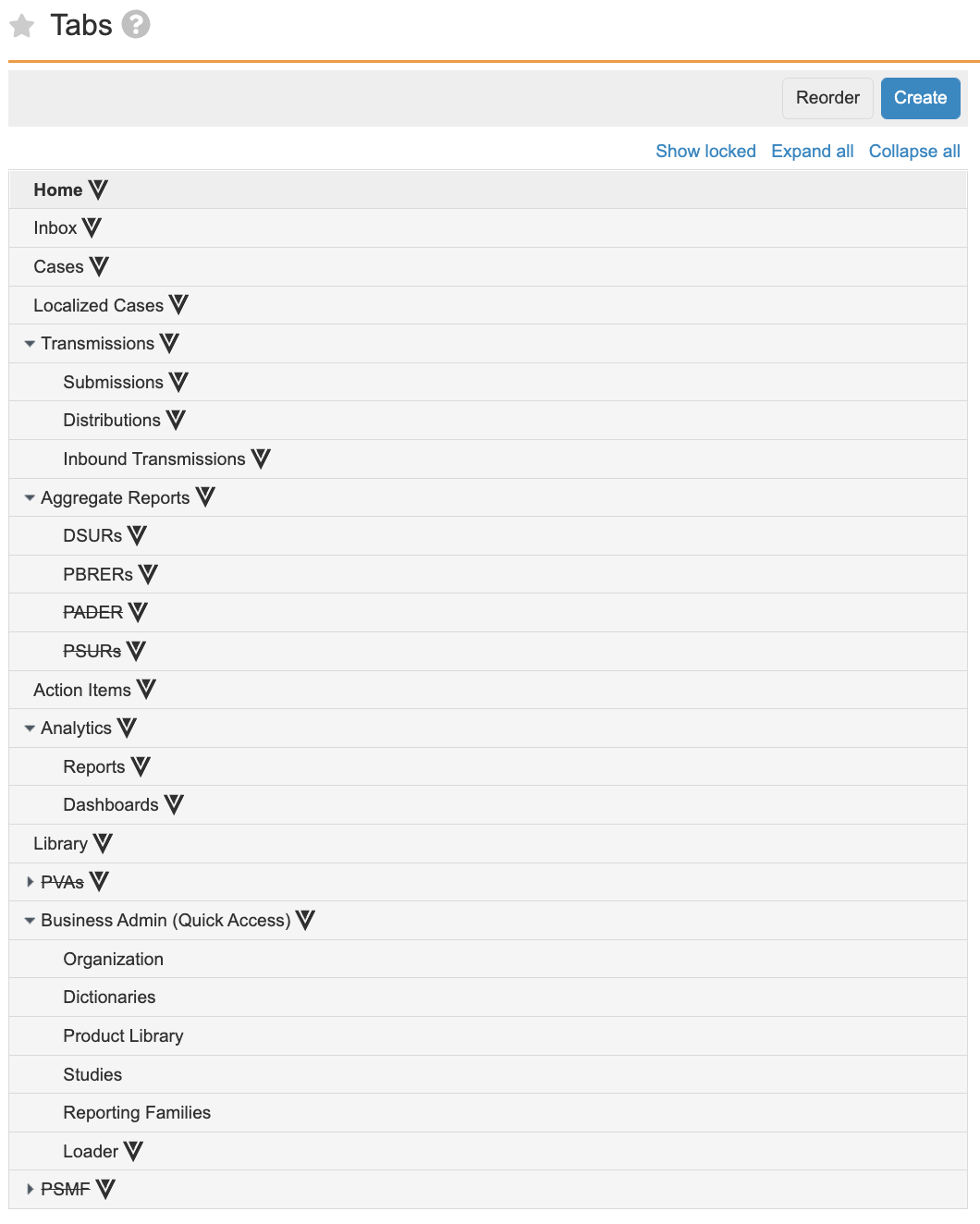
3. Ensure all the standard tabs (`__v`) have the **Status** field set to Active.
The **Tabs** section should resemble the following image:
 ## Update Permission Sets for Tab Access
In **Users & Groups > Permission Sets**, select a permission set to update access to tabs depending on your business processes. Go to the **Tabs** tab in the applicable permission sets to grant these permissions.
## Update Permission Sets for Tab Access
In **Users & Groups > Permission Sets**, select a permission set to update access to tabs depending on your business processes. Go to the **Tabs** tab in the applicable permission sets to grant these permissions.